
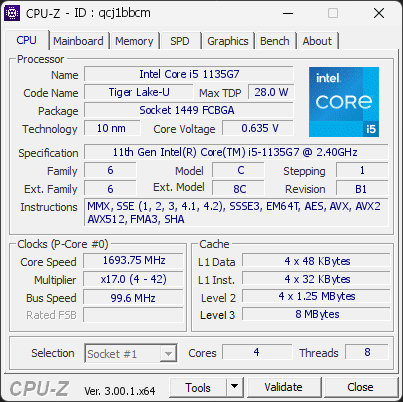
Your CPU is running at a high temperature (100°C). At this level, the processor may slow itself down to avoid overheating.
This usually means the cooling system is struggling to keep the CPU at a safe temperature. It can happen if the cooler is clogged with dust, not working correctly, or simply not powerful enough for this type of processor.
We recommend checking that the fan spins normally and that the cooling system is properly installed. Cleaning the cooler or improving airflow can help bring the temperature back to a safer range.
Your antivirus (Windows Defender) is active, but its virus definitions are out of date.
The PC may have been offline for a while, or the latest updates could not be downloaded.
Connect to the internet and run an update in your antivirus to get the latest protection.

Scan this QR code
To open this page on your phone
Previous validations from this PC
Unexpected crashes (BSOD) (1)
Boot Time details
Hardware errors (WHEA)
No hardware errors recorded in the Windows event log.
Driver problems
No device needs attention, 1 more ignored.
Flagged processes
101 running processes, none flagged.
Inform a support service
If a partner support service is helping you with this PC, enter the service code they gave you to send them this validation. A valid service code is required.